Login
Suppliers: Logging in as a supplier
Follow these instructions to login to the platform and reset your password, if required
This help article is written for our suppliers and may not be relevant if you are an Avasam seller. To access seller-specific articles, please follow this link.
Login
| Field | Description |
|---|---|
| Username | Enter your registered email address. |
| Password | Enter the password you have set for the account. |
- When the account is first registered, you will be emailed a link to set your password.
- Passwords are case sensitive.
- Use numbers, special characters and a mix of upper and lower case letters to enhance your password security.
- Passwords do not include spaces.
- Do not share your password – all Avasam users should have their own login.
- Change your password regularly.
- Do not use the same password for multiple apps or websites.
Reset password
To reset your password if you cannot log in:
- Click ‘forgot password?’.
- Enter your registered email address.
- Click ‘send’.
- Click the link in the email we sent you.
- Enter (and re-enter to confirm) your new password.
- If your email isn’t registered, please check with the account administrator/owner or contact our help team.
- Change your auto-generated password when first logging in to something unique.
- Passwords are case sensitive.
- Use numbers, special characters and a mix of upper and lower case letters to enhance your password security.
- Passwords do not include spaces.
- Do not share your password. All Avasam users should have their own login.
- Change your password regularly.
- Do not use the same password for multiple apps or websites.
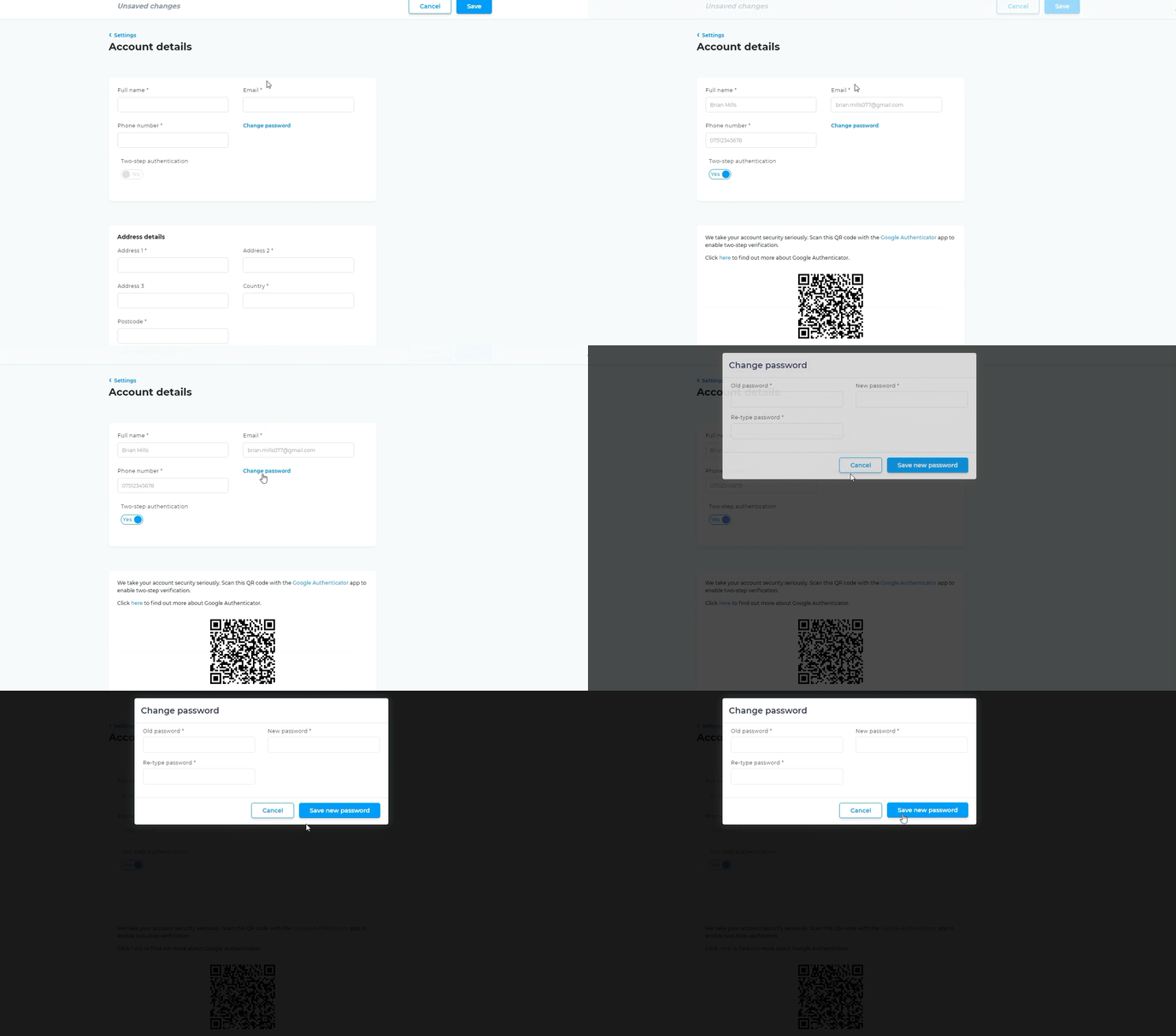
You can also reset your password while logged in to Avasam.